See it in action

The offer after the sale

One offer, shown once, timed to the moment a customer is most willing to say yes again.

1

Checkout completes

The booking is paid for and confirmed — the natural place most systems stop.

2

The offer, set up once in Settings

This is the rule behind the offer: a gift voucher at 25% off with a 15-minute clock, shown to the customer once, right after payment. Configure it here and it runs on its own from then on.

app.funolio.com/dashboard/settings/venue
3

It shows up as revenue, not as noise

The upsell is its own line in the Extras & Products report — you can see exactly how much this one offer is adding, booking by booking.
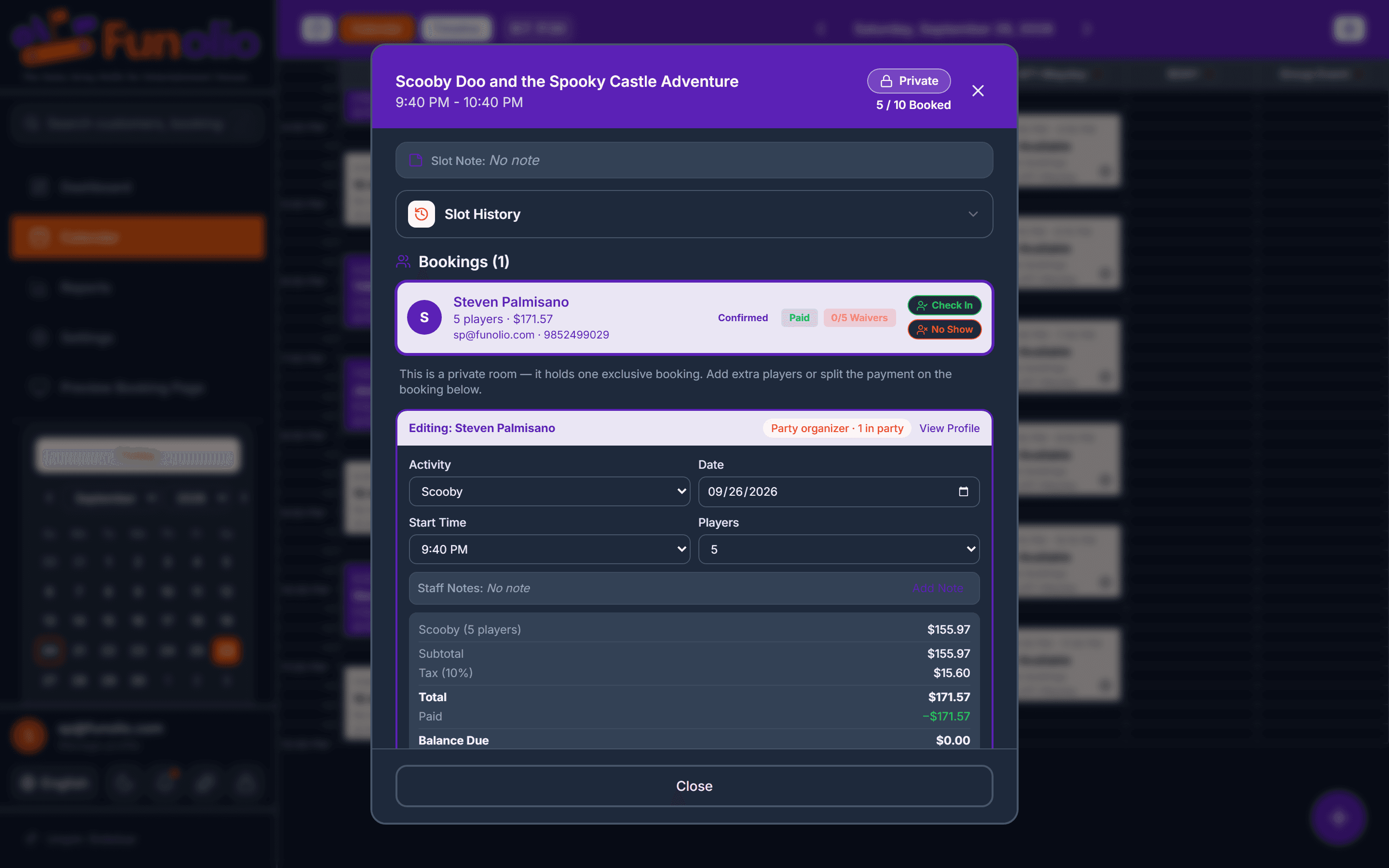
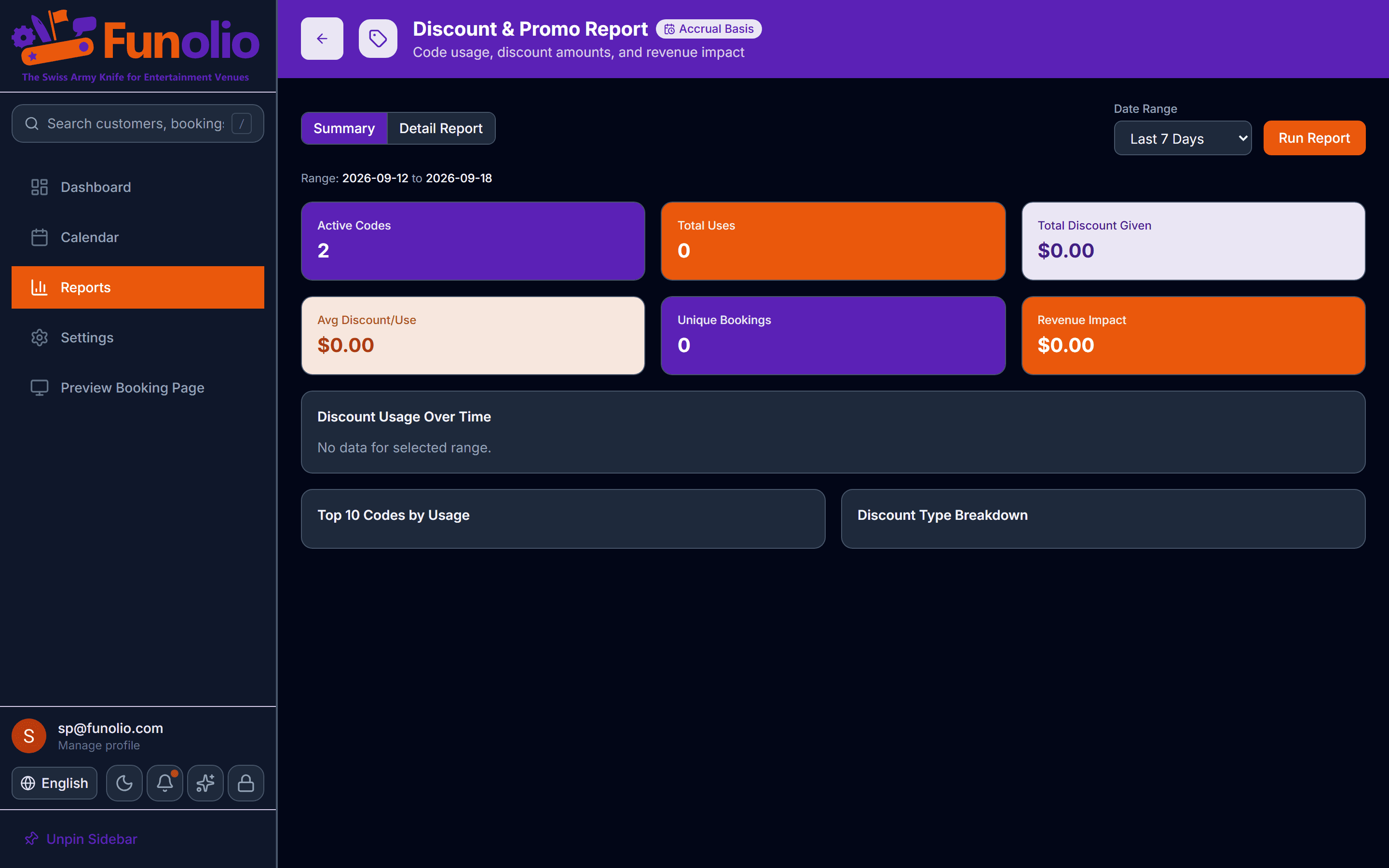
app.funolio.com/dashboard/reports/extras
Sells more per booking

See this running on your own floor.

Bring your busiest Saturday. We'll walk through this exact flow with your venue's own setup.

Other stories in Sells more per booking

Booking panel for the same Scooby-Doo booking now showing 5 players, $171.57 total, Paid, Balance Due $0.00
Sells more per booking

Empty seats, filled

An email asks the people already coming if they want to bring friends — before the seats go empty.

See it in action
Discounts report
Sells more per booking

Discounts built to sell, not to leak

Five discount types, stacking rules that hold, and a report that shows exactly what each one cost and earned.

See it in action