It starts on the activities page
The parent picks a date and sees live pricing for every activity — no call to check availability, no "let me check and call you back."
The party package configures itself
Players, time of day, and a semi-private lobby hold are picked right on the package page — the booking page does the math a staff member would normally do over the phone.
Two rooms, one coordinated time
A party this size needs two rooms running together. The booking page requires both and locks them to the same start time — there is no way to accidentally book one room and forget the other.
Checkout, on the parent's own time
Guest checkout or Google sign-in, a hold on the slot while they pay, and a receipt — at 11pm on a Tuesday, with nobody on your end awake for it.
A confirmation email that does the rest
The confirmation email carries the waiver link straight to the parent — everyone in the party can sign before they ever walk through your door.
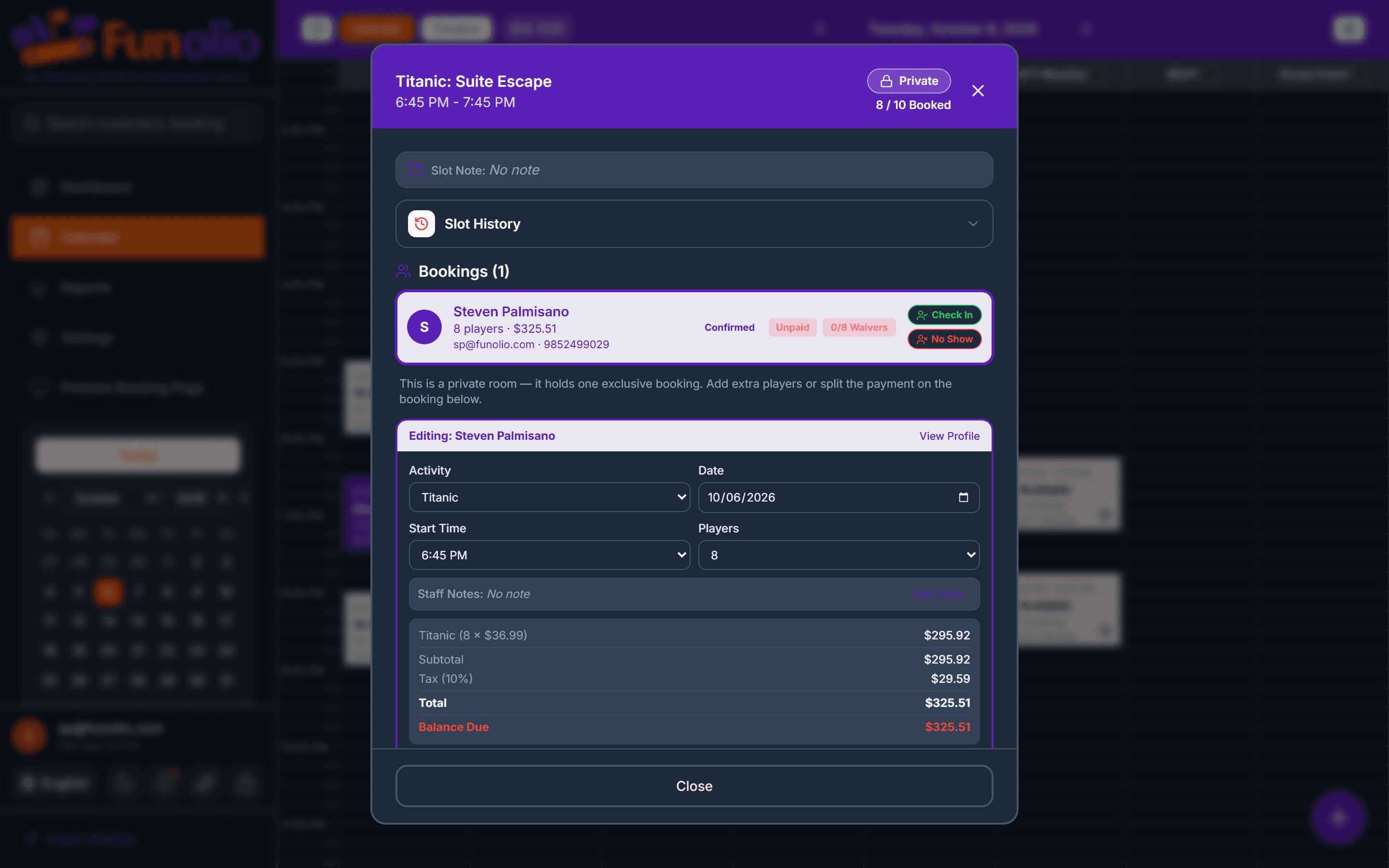
Both rooms show blocked, with the headcount
The calendar shows both rooms held for the same window with the player count attached — the game masters know what's coming without a note passed from the front desk.
It's just on Today's Schedule
By the morning of, the party is one line on the dashboard's Today's Schedule — booked, paid, waivers signed, nothing left for anyone to chase.