See it in action

Set up in an afternoon

Setup software shouldn't be its own project. Funolio's wizard saves your progress every time you press Save or Next, and only insists on the four things you truly need before going live.

1

The wizard, saved on Save or Next

Sixteen steps. Your progress is saved every time you press Save or Next — close the tab at step 6 and pick back up at step 6 tomorrow.

app.funolio.com/dashboard/wizard
2

Payments, routed the way you actually take them

Stripe, Square, Clover, Authorize.Net, NMI, or Payeezy — connect more than one processor and route by account.

app.funolio.com/dashboard/settings/venue
3

A Clover terminal, paired in minutes

OAuth pairing to a physical Clover terminal — no manual key entry, no separate support call.

app.funolio.com/dashboard/settings/venue
4

A voucher that looks like your brand

Design the gift voucher artwork right in Settings — no separate designer, no generic template with your logo pasted on.

app.funolio.com/dashboard/settings/venue
5

The confirmation email, in your own words

Intro, a "please read before you arrive," a Google review link, and your policy blocks — edited once, sent on every booking after.

app.funolio.com/dashboard/settings/venue
6

The embed snippet for your own site

Settings hands you the booking page URL, an iframe snippet to paste into the venue website, and a stable per-game link for each activity.
app.funolio.com/dashboard/settings/venue
Books itself

See this running on your own floor.

Bring your busiest Saturday. We'll walk through this exact flow with your venue's own setup.

Other stories in Books itself

Calendar showing two rooms blocked for a party
Books itself

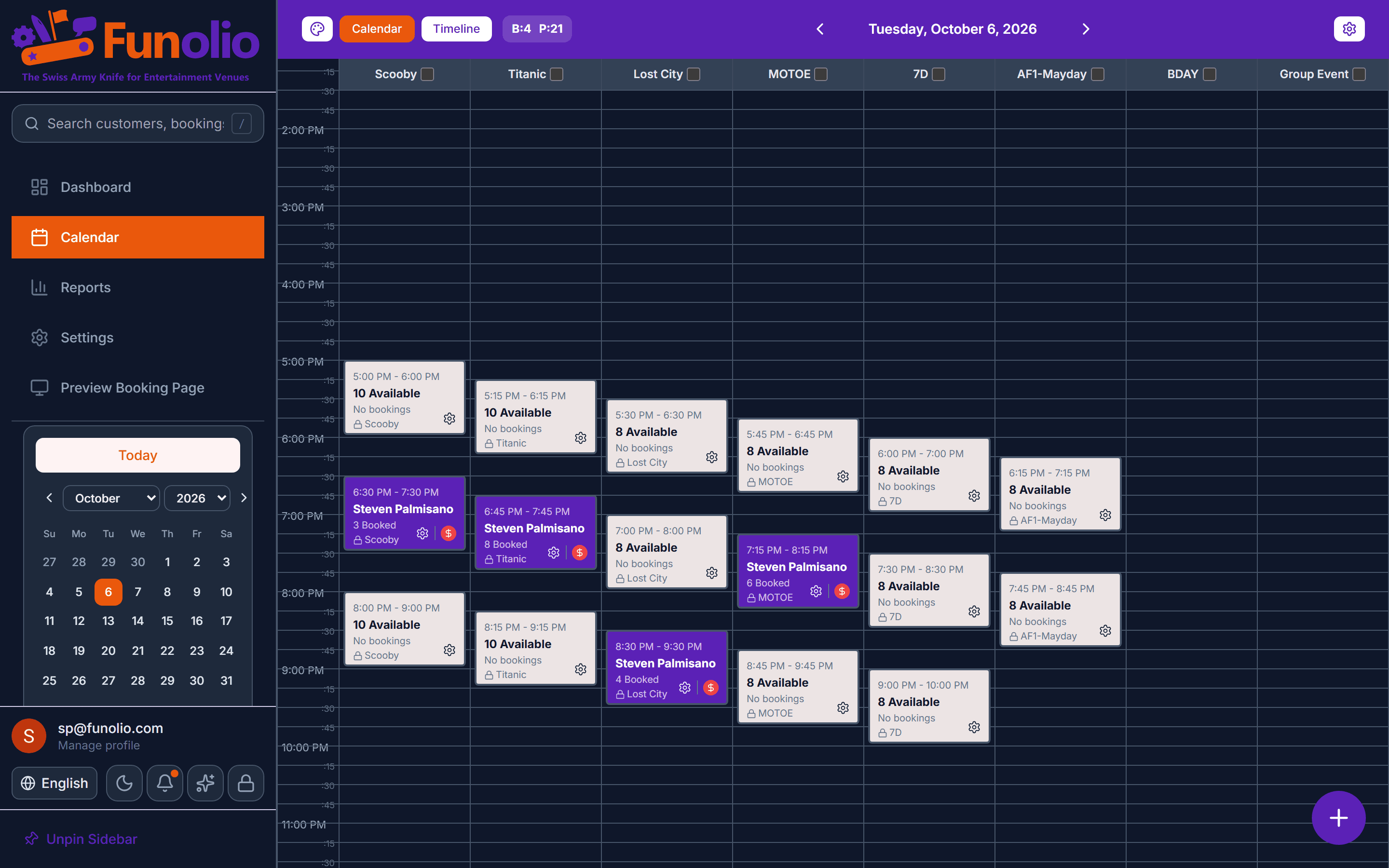
A birthday party books itself

Two rooms, coordinated times, a lobby hold — booked online with no staff involved.

See it in action
Refunds report
Books itself

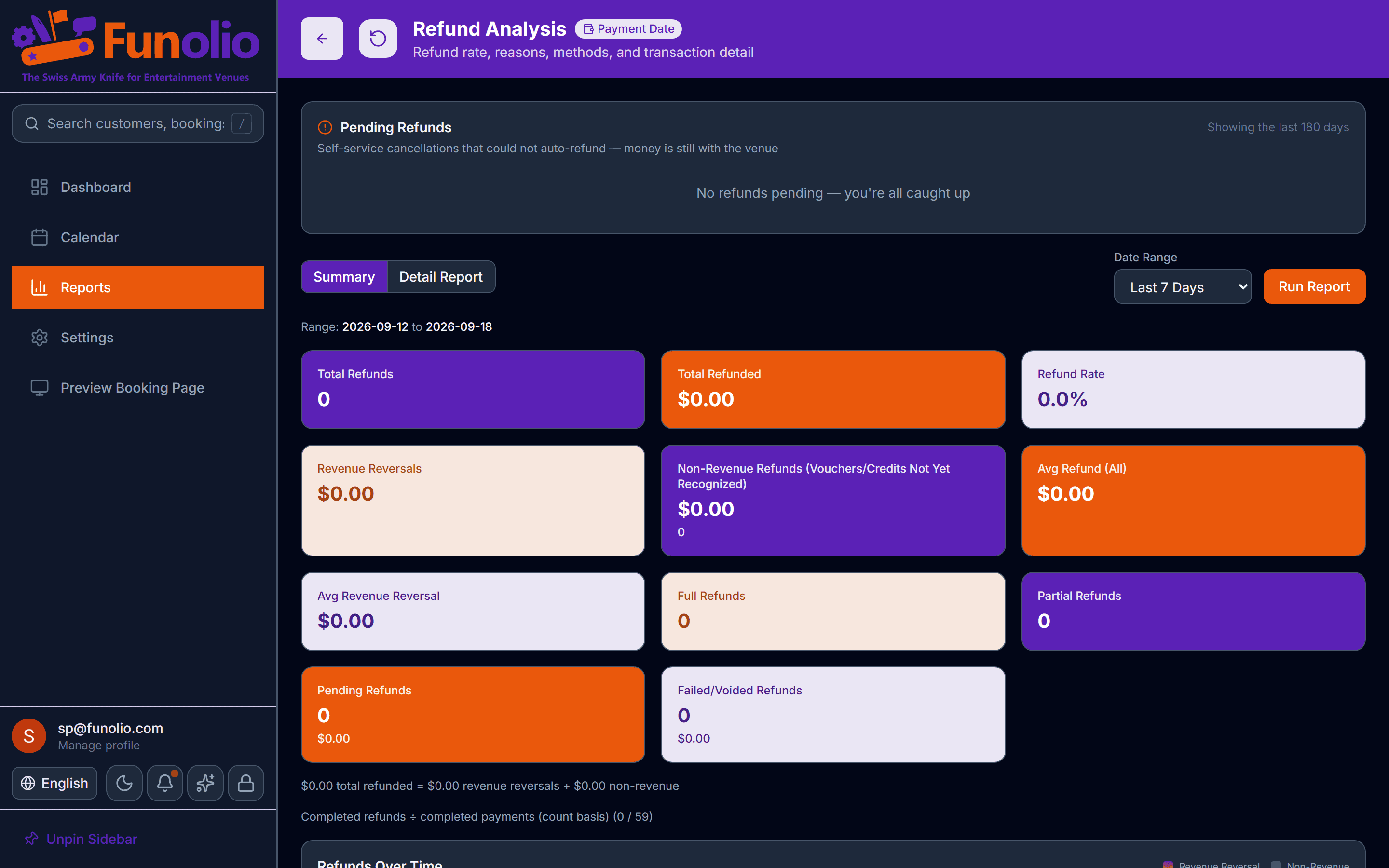
Cancellations without a phone call

The customer sees the exact refund or credit before they confirm — and it's the truth, every time.

See it in action
Booking panel on the calendar
Books itself

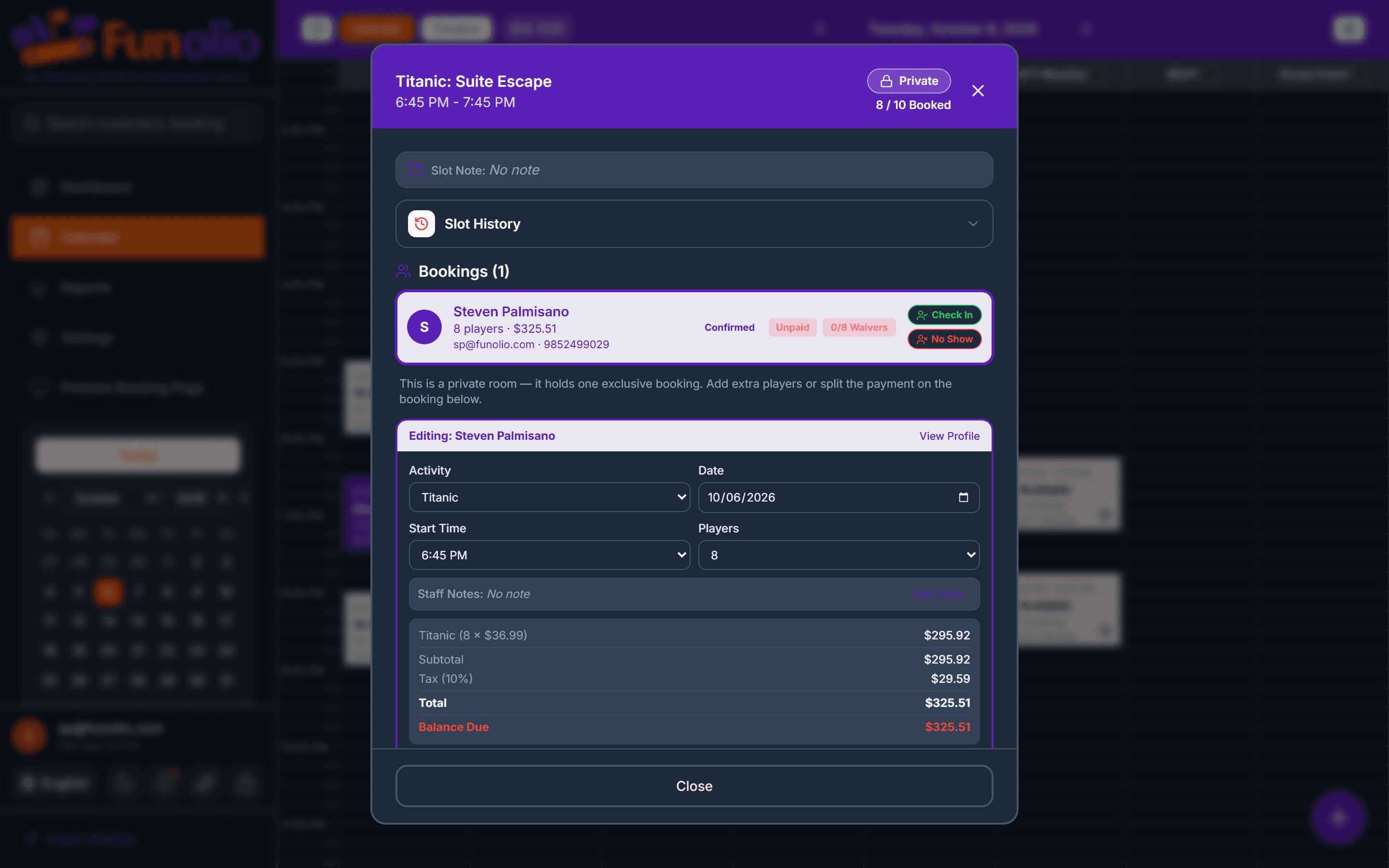
One panel runs the whole booking

Create, reprice, reschedule, cancel, split tender, and check in — without leaving one screen.

See it in action