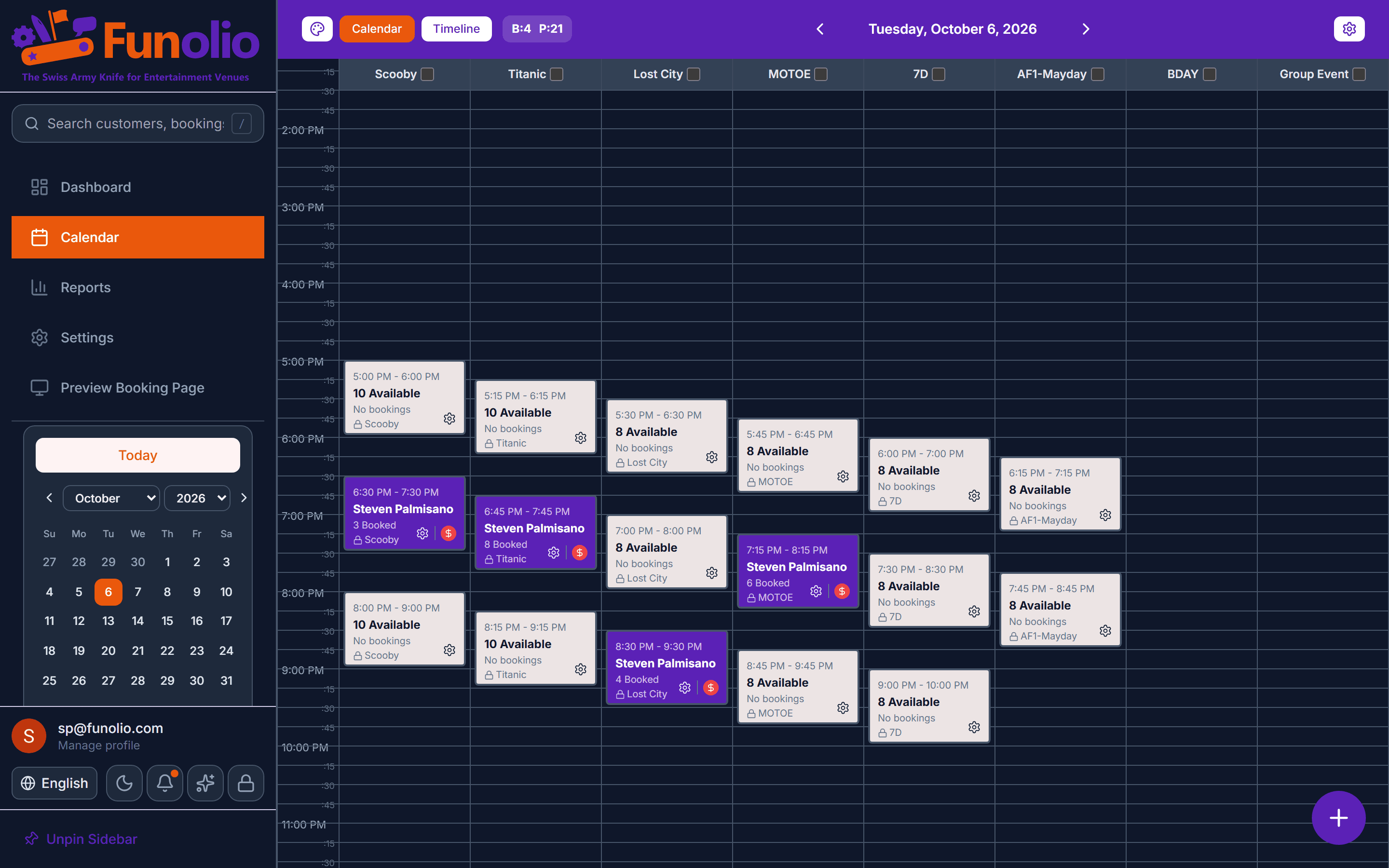
The calendar grid, at a glance
Every room, every slot, color-coded and readable — including in the dark, on a dim front-desk monitor at close.
Or the timeline, for a busier read
The same day, laid out as a timeline — better for a floor with a lot of overlapping activities running at once.
One panel does everything
Create a booking, reprice it, reschedule it, or cancel it with the full refund ladder applied — all from the same panel a click on the slot opens.
Split tender, without a workaround
Cash, card, a saved card, and a terminal charge can all cover one booking — no need to fake it with a manual note.
Clover terminals, paired in Settings
Pair your Clover terminals once in Settings. Charges then run from the booking panel, with protection built in so a connection hiccup never charges a card twice.
Check-in and waiver status, right there
The panel shows who's checked in and whose waiver is still outstanding — no separate list to keep in sync.
Full dark mode, for the whole shift
Custom slot colors stay readable and the calendar refreshes live across every terminal — built for a front desk that runs into the evening.