See it in action

Cancellations without a phone call

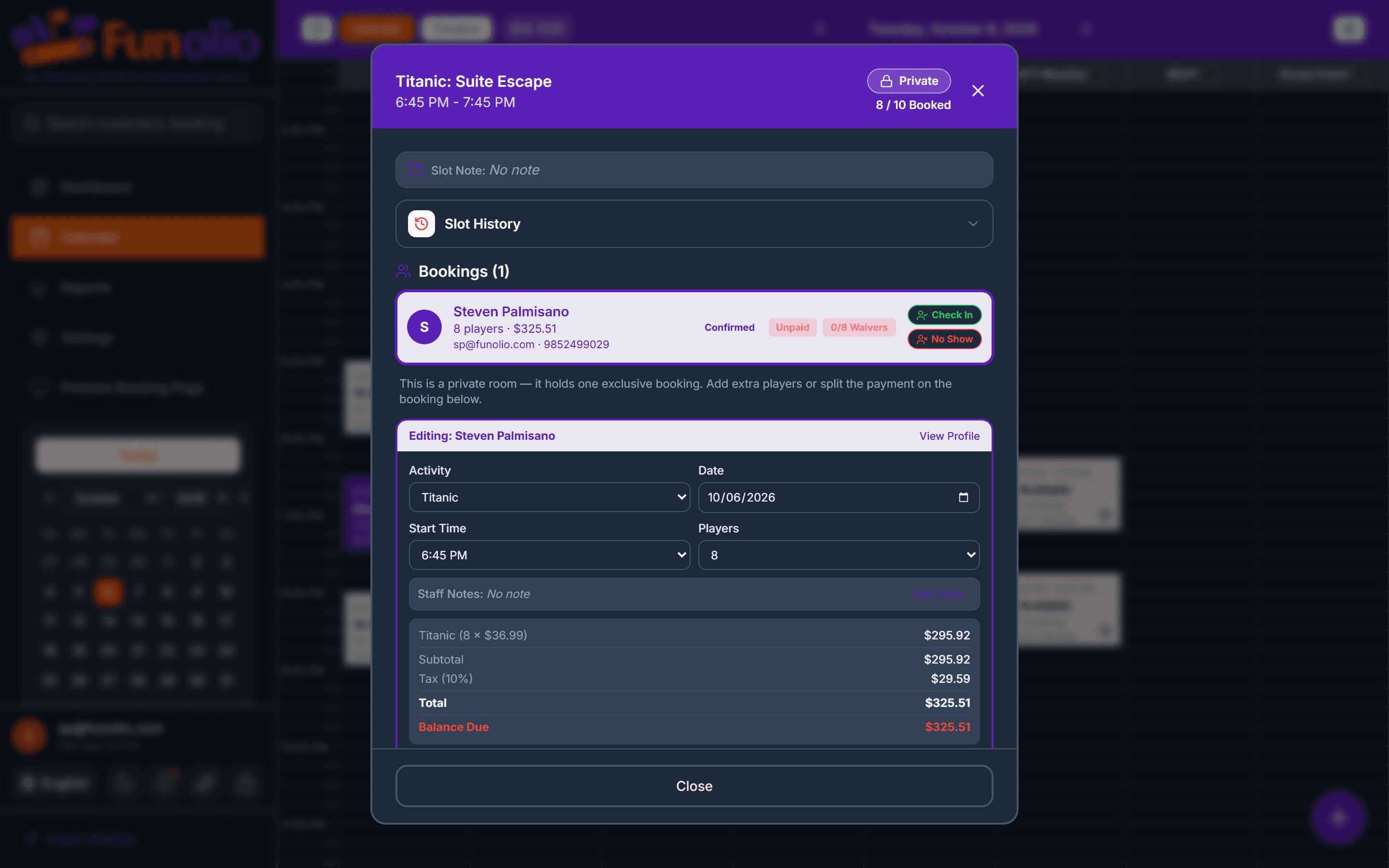
Nobody enjoys the "how much do I get back" call. The manage page answers it before the customer has to ask.

1

The manage page, no login required

A customer opens their booking from the confirmation email and can reschedule or cancel it themselves — the link is all the access they need.

2

The refund shows before they confirm anything

Full refund, partial credit, or a fee — spelled out in dollars before the cancel button is even active, never a surprise after the fact.

Shown before you confirm
3

The policy ladder, set once in settings

Full refund outside 48 hours, credit minus a fee inside it — venues set their own ladder, and every cancellation is measured against it the same way.

app.funolio.com/dashboard/settings/venue
4

The Refunds report matches reality

Every cancellation, its policy outcome, and its true state — reconciled against what actually left the account.
app.funolio.com/dashboard/reports/refunds
Books itself

See this running on your own floor.

Bring your busiest Saturday. We'll walk through this exact flow with your venue's own setup.

Other stories in Books itself

Calendar showing two rooms blocked for a party
Books itself

A birthday party books itself

Two rooms, coordinated times, a lobby hold — booked online with no staff involved.

See it in action
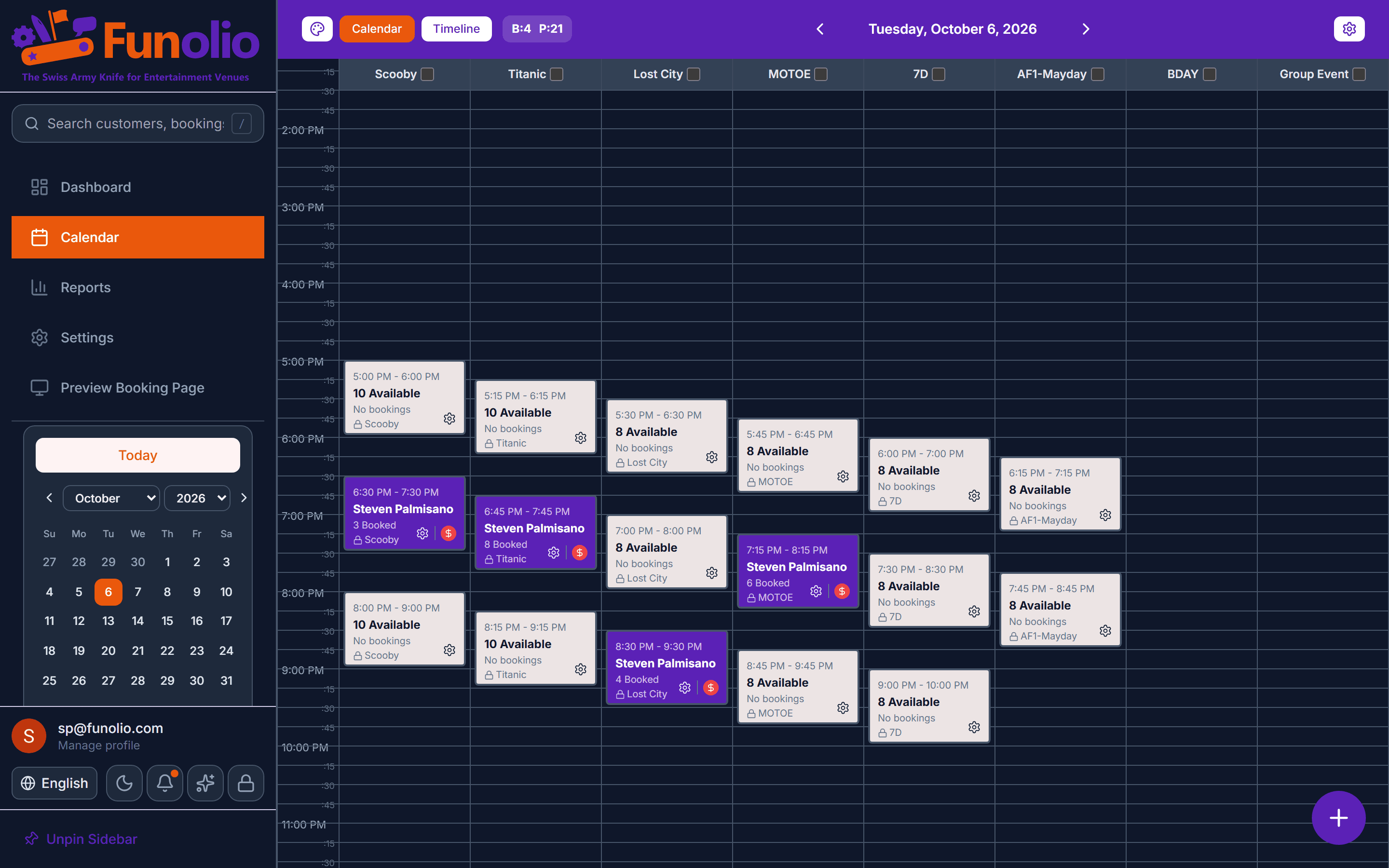
Booking panel on the calendar
Books itself

One panel runs the whole booking

Create, reprice, reschedule, cancel, split tender, and check in — without leaving one screen.

See it in action
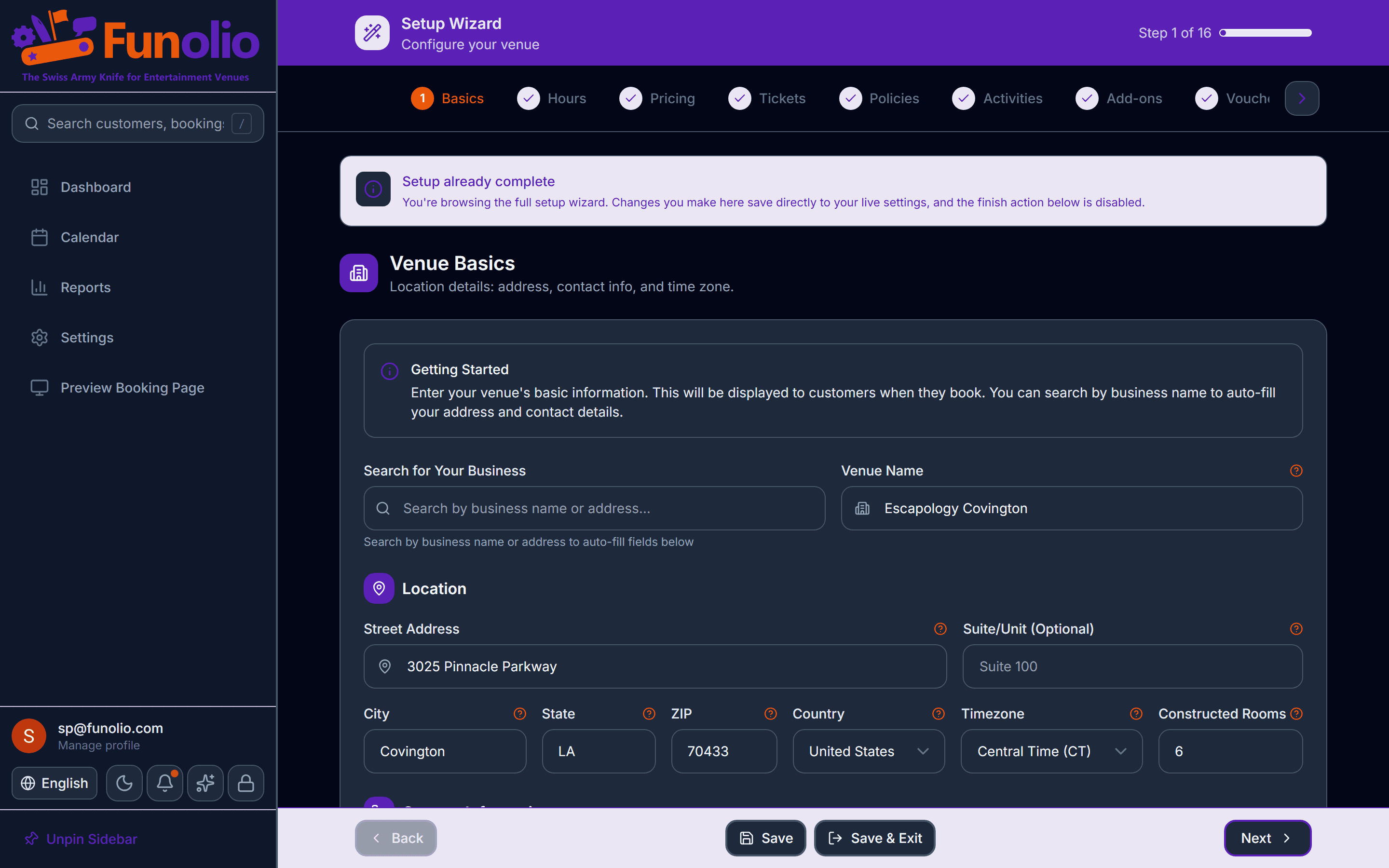
Setup wizard step
Books itself

Set up in an afternoon

A 16-step wizard that saves your progress every time you hit Save or Next, with only four things you actually have to finish to go live.

See it in action